
In this article, you will learn the basic functionalities of the Cirrus specialities schedule.
How do i schedule an appointment?
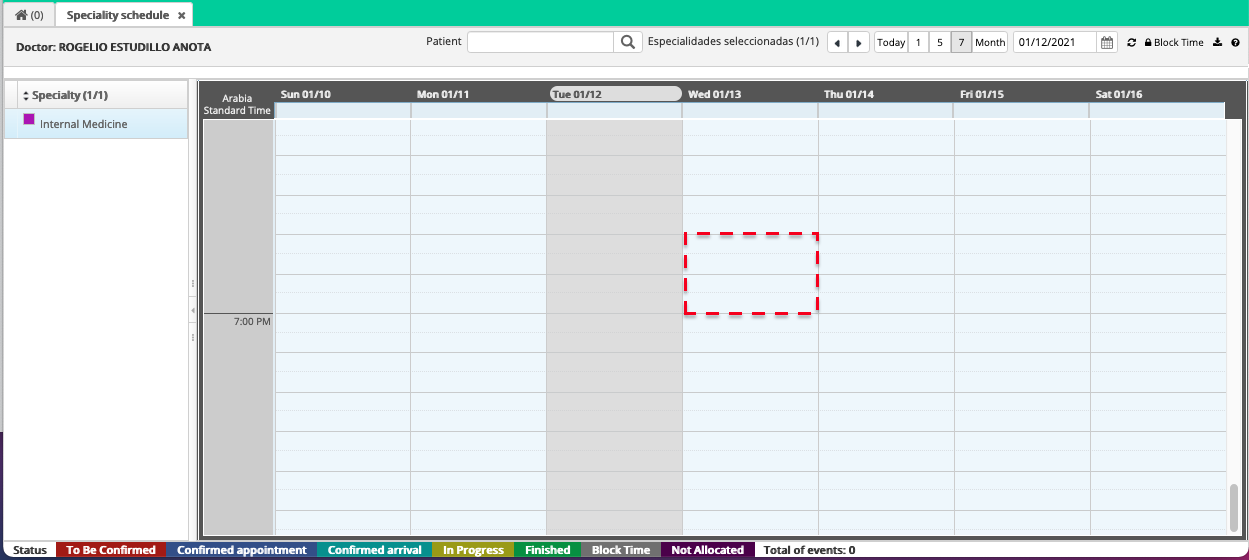
1. First click on the time slot that you agreed with the patient to make the appointment.
2. Search and choose the patient's name and fill in the data: date, time and duration, type of service, reason for consultation.
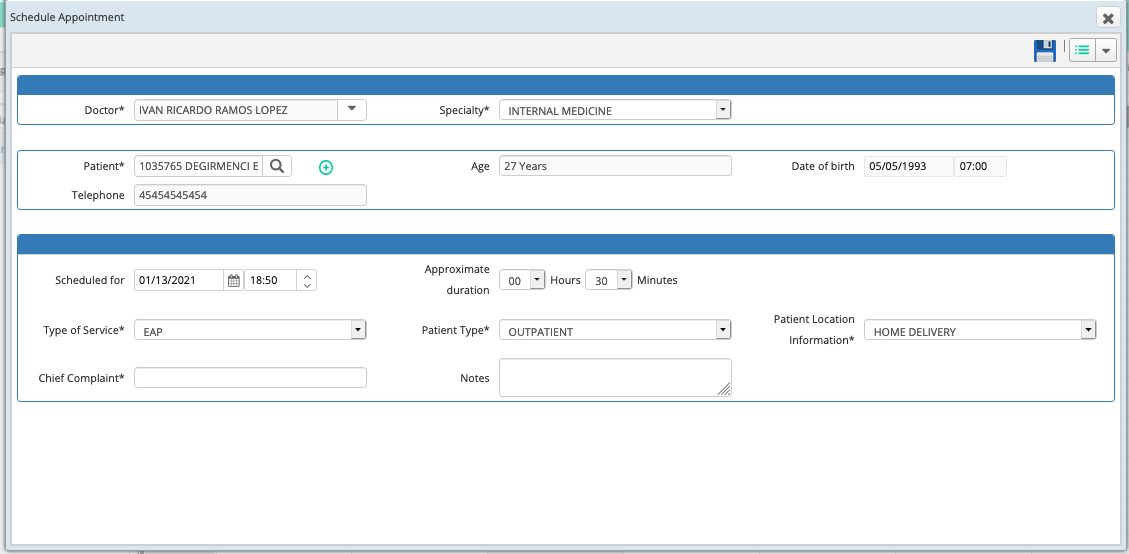
3. Click on the save icon so that the appointment is registered.
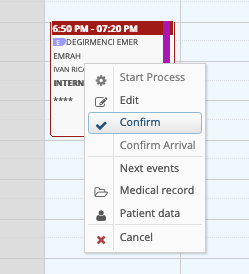
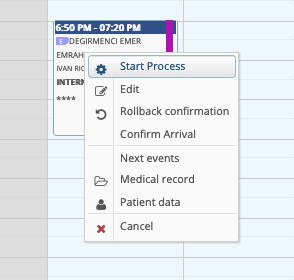
4. Once the patient confirms you, either by mail or phone, days before the appointment you can click on the "Confirm" option.
5. Once the patient arrives at the office, we can click on "Confirm Arrival"
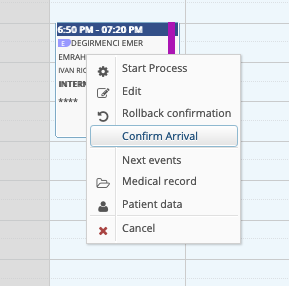
6. Once the patient has started his appointment, we can click on "Start Process", and fill in the data corresponding to the consultation.
Comments
0 comments
Article is closed for comments.