
Epidemiology Monitoring report generation
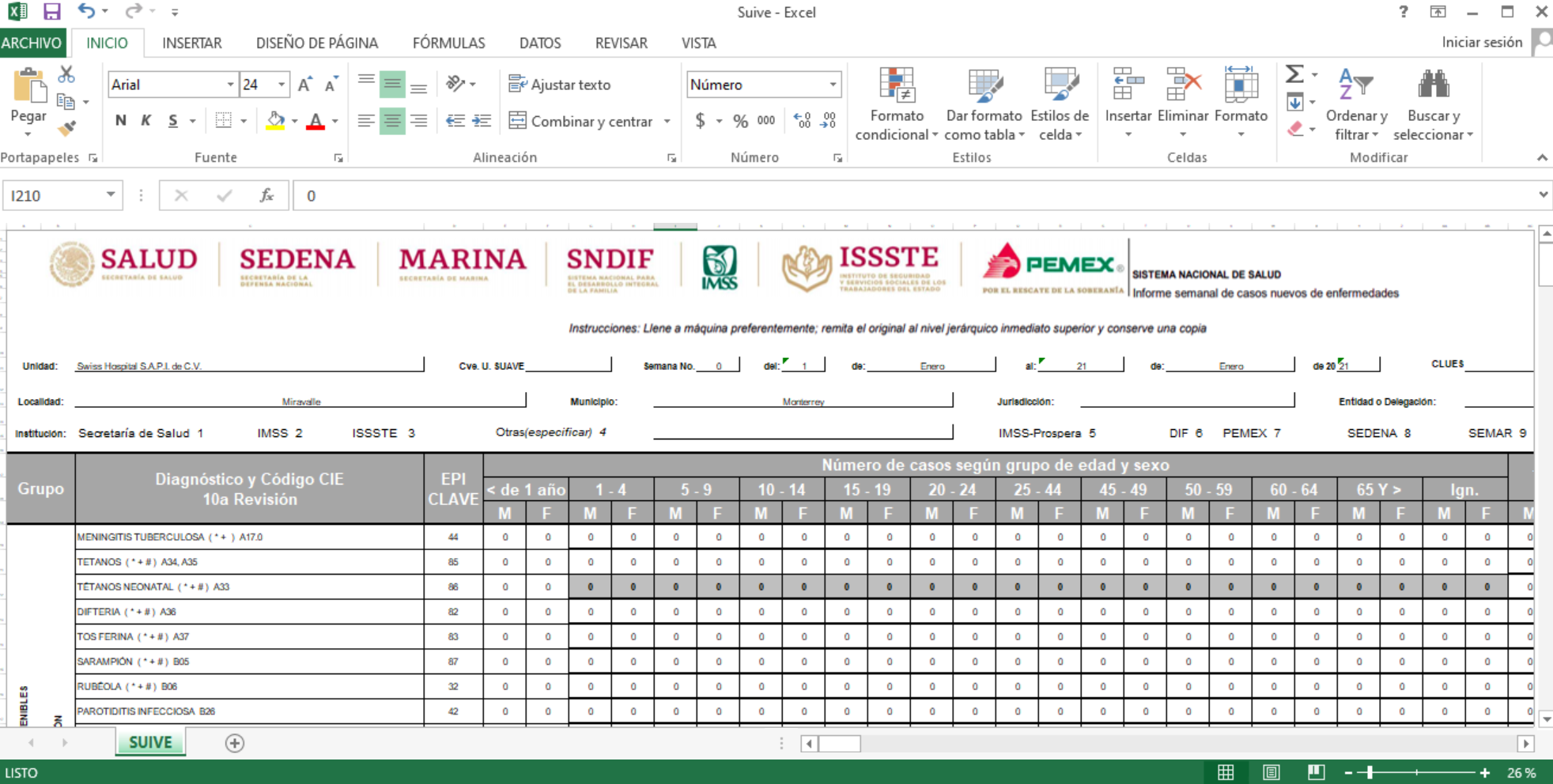
The SUIVE report contains the complete information to be reported with up-to-date format.
New settings are required:
Medical Center - this must include the name of the hospital or medical service unit in order to retrieve the CLUES code based on the unit address.
Jurisdiction - this is the health jurisdiction code, must be entered manually and should be provided by the hospital or medical service unit.
Epidemiological surveillance key - must be entered manually and will be displayed in the field "Cve. U SUIVE" of the report. It should be provided by the hospital or medical service unit
Request the activation of the report by submitting a Tech Support ticket and including the aforementioned fields.
After getting the confirmation of the report activation follow the next steps to generate your report.
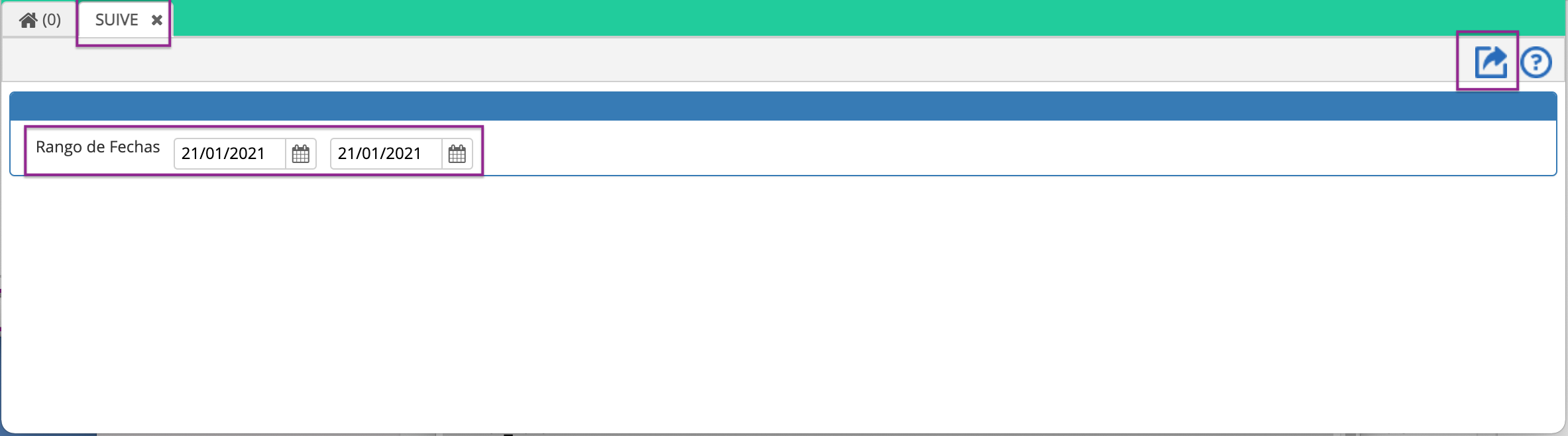
You'll see the report in Excel format.
We hope this improves your experience with Cirrus. Remember to share this information and ask for help if needed.
Date: December 16 2019
Comments
0 comments
Article is closed for comments.